Create a Self Signed SSL or TLS Certificate on macOS
Create an SSL Certificate on macOS
First you need to open Keychain Access and go to the Keychain Access menu then Certificate Assistant and then Create Certificate.
This should open a window like this:
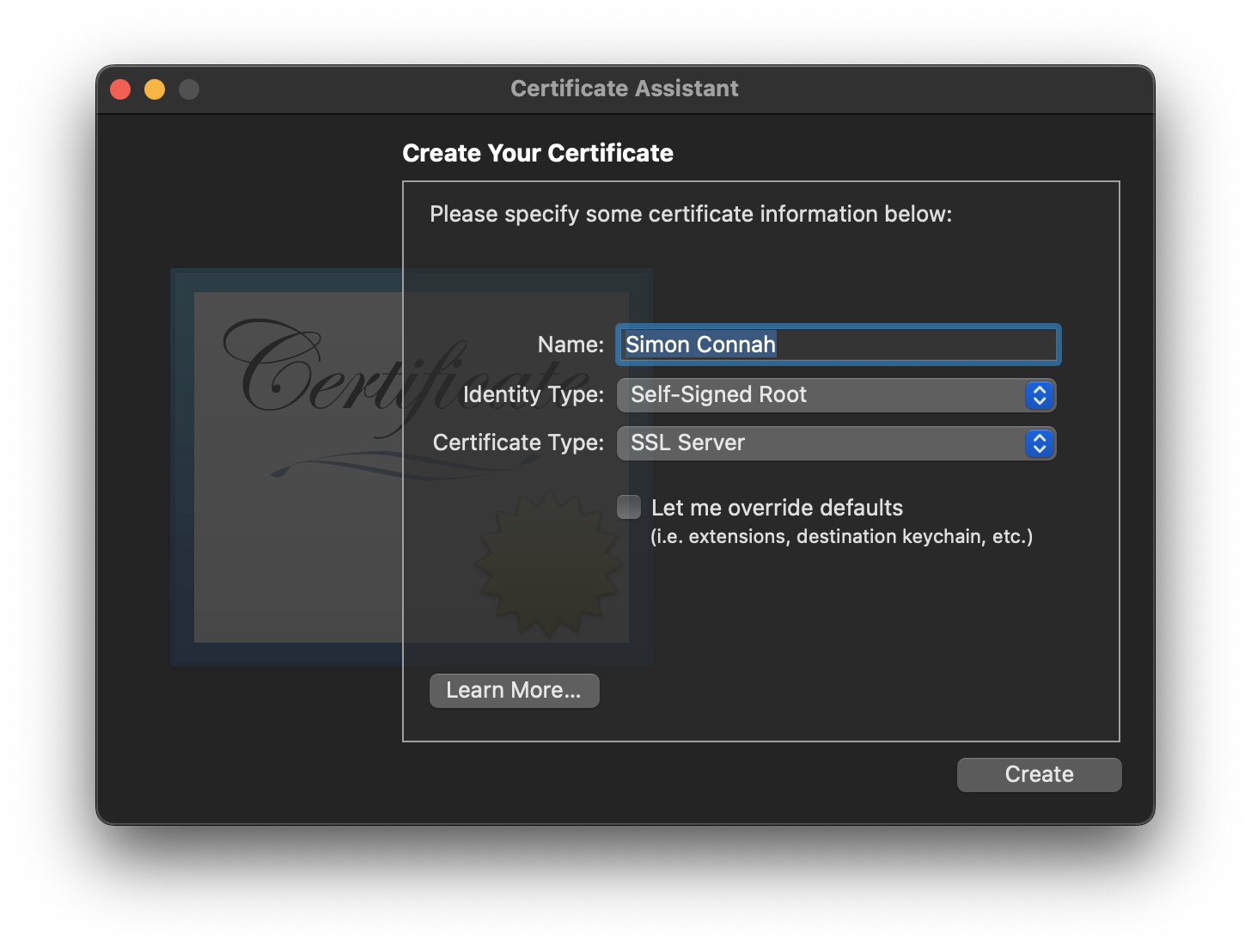
Set a name for the certificate and click the box that says "Let Me Override Defaults".
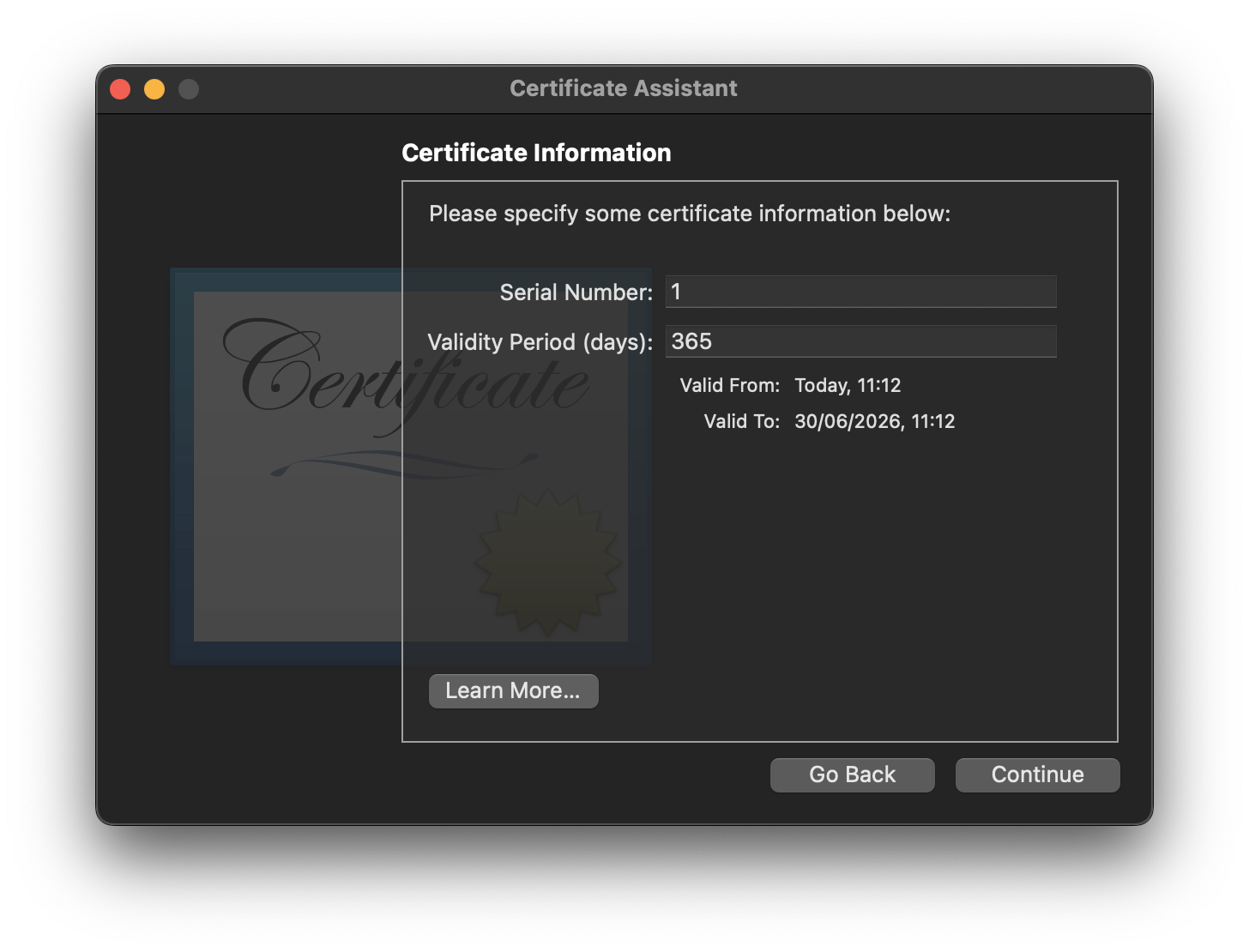
The next screen will let you change how long the certificate will last before it expires. 365 days is a reasonable default unless you have a specific requirement.
Then we fill in the details for the certificate.
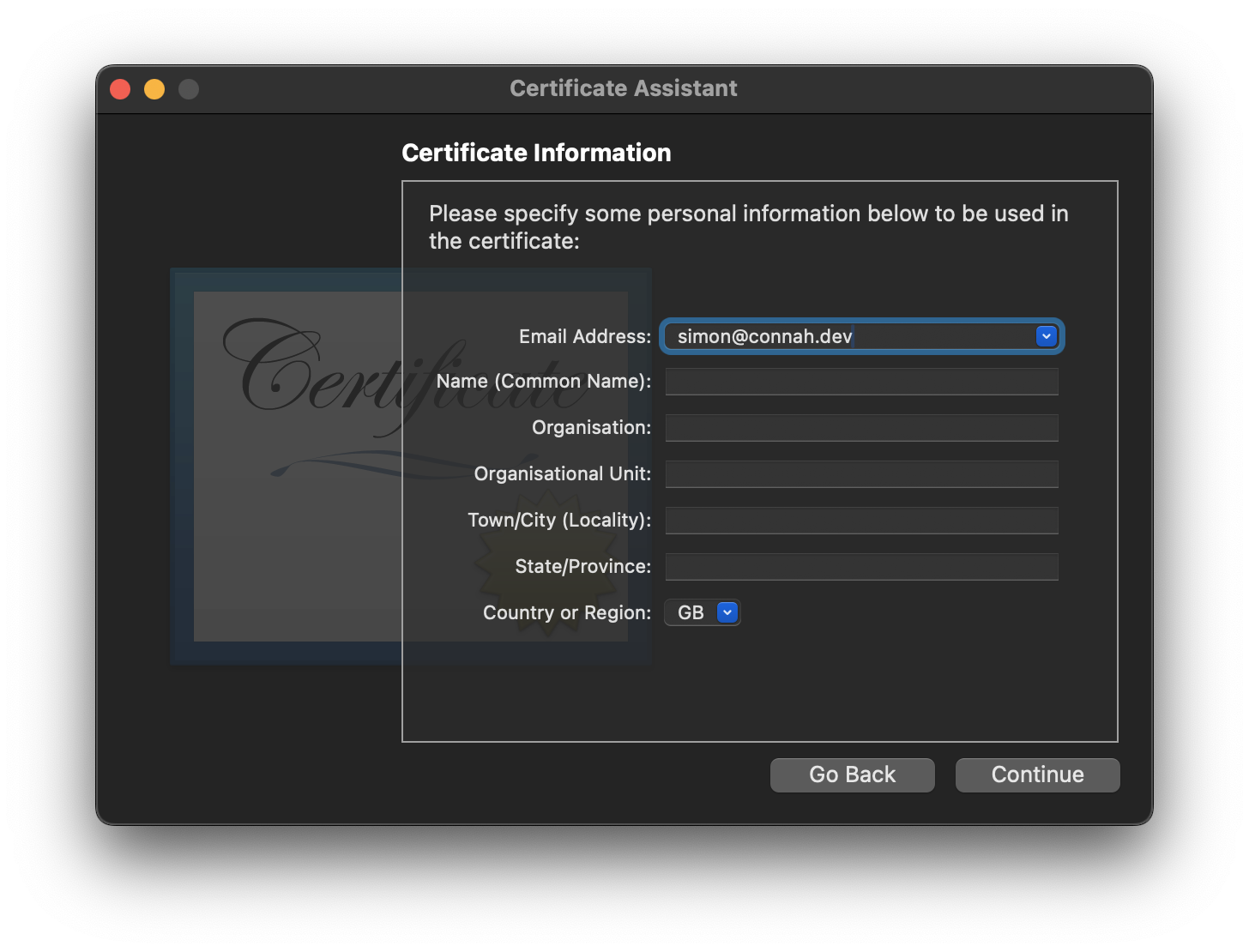
The minimum you should do is set the email and the Name (Common Name). The name can be anything you like.
Finally we set which encryption method to use and the strength of the encryption algorithm.
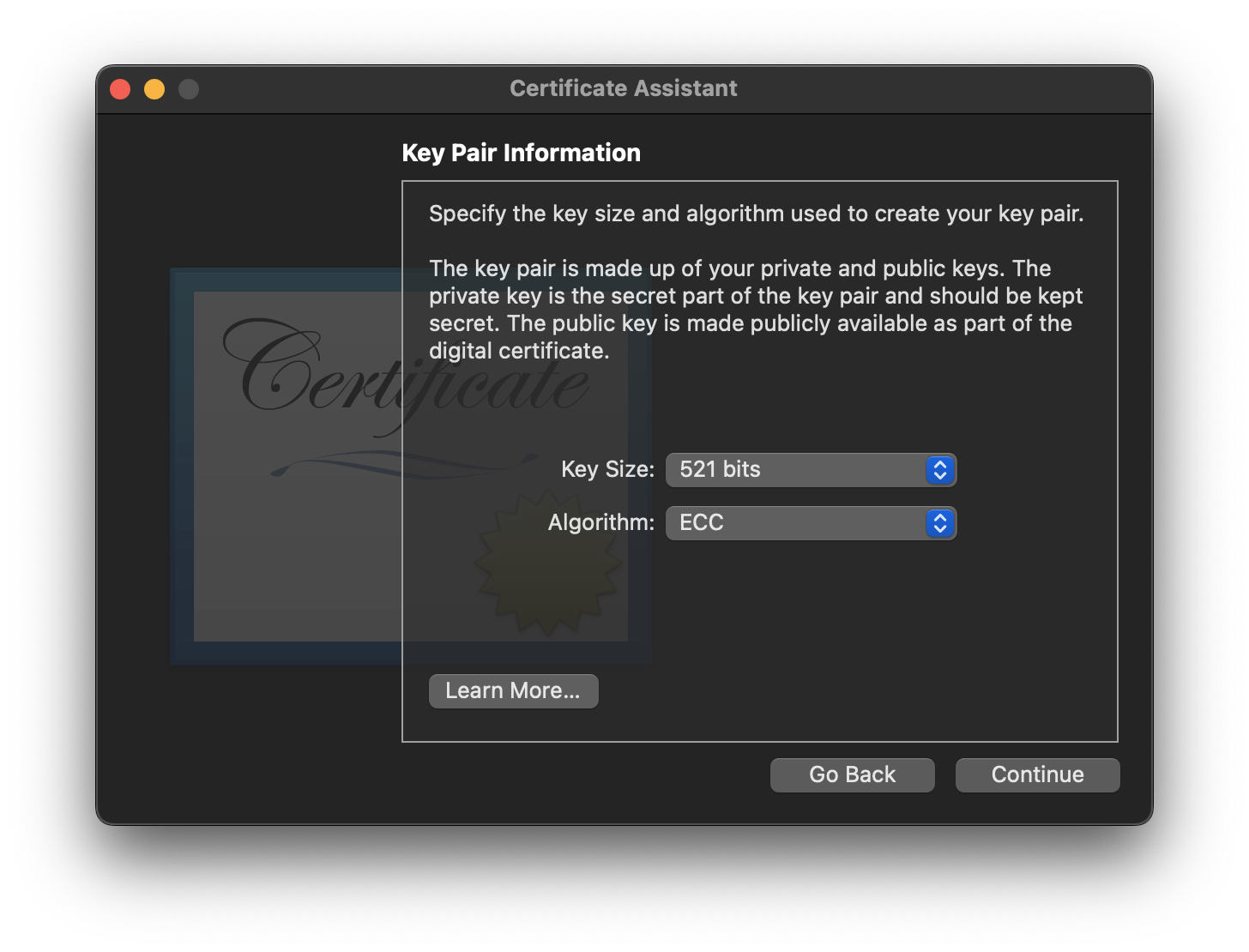
In the example above I'm using the ECC algorithm at 521 bits which is the recommended setting for new certificates. If you want to use the RSA algorithm then I recommend using the 8192 bit strength for maximum protection.
We can now set the certificate to only allow certain tasks or allow everything.
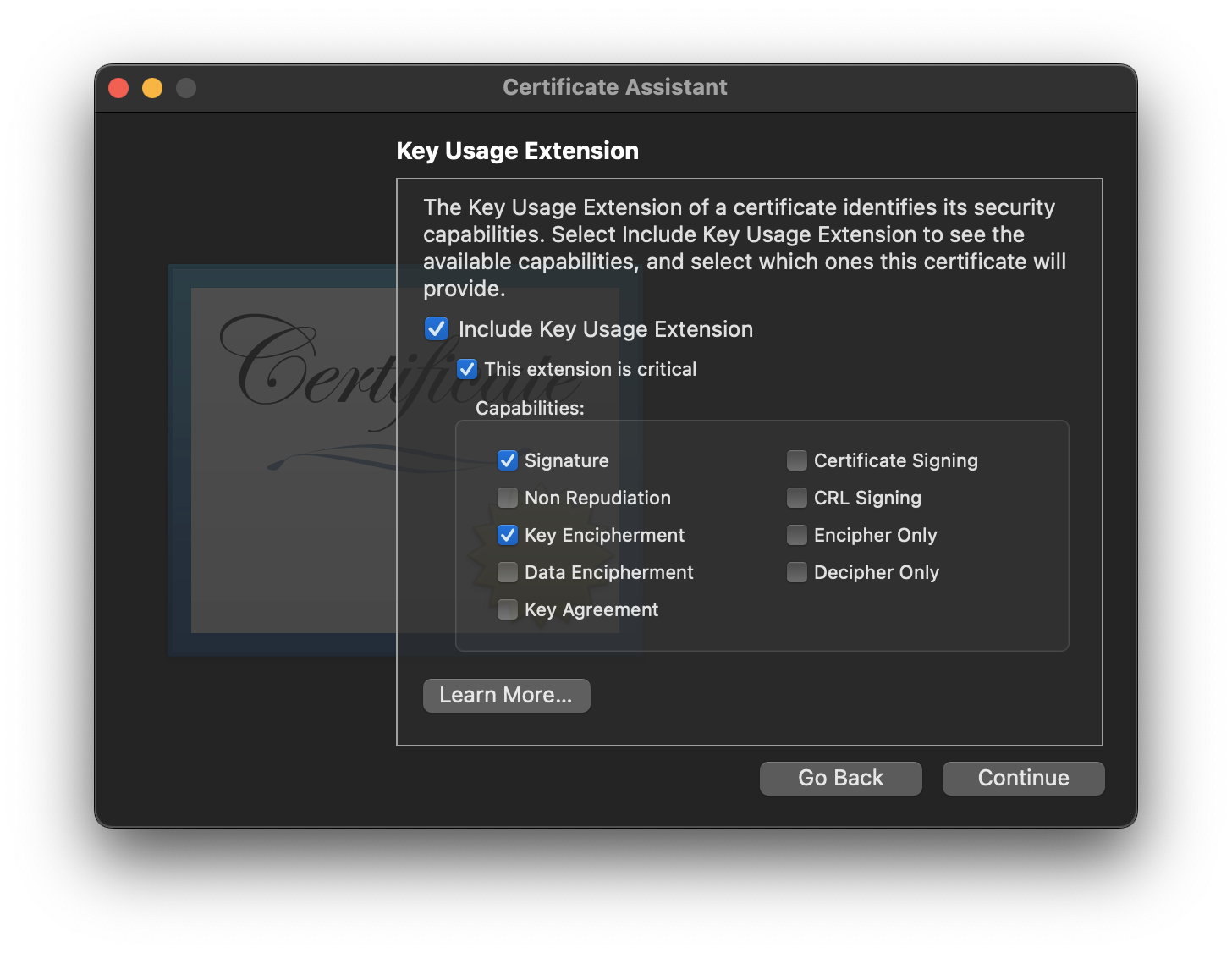
Select all of the uses you want to use your SSL or TLS certicate for.
Alternatively you can skip this step and just allow all uses which if you are just using the certificate in a local development environment then that will be fine.
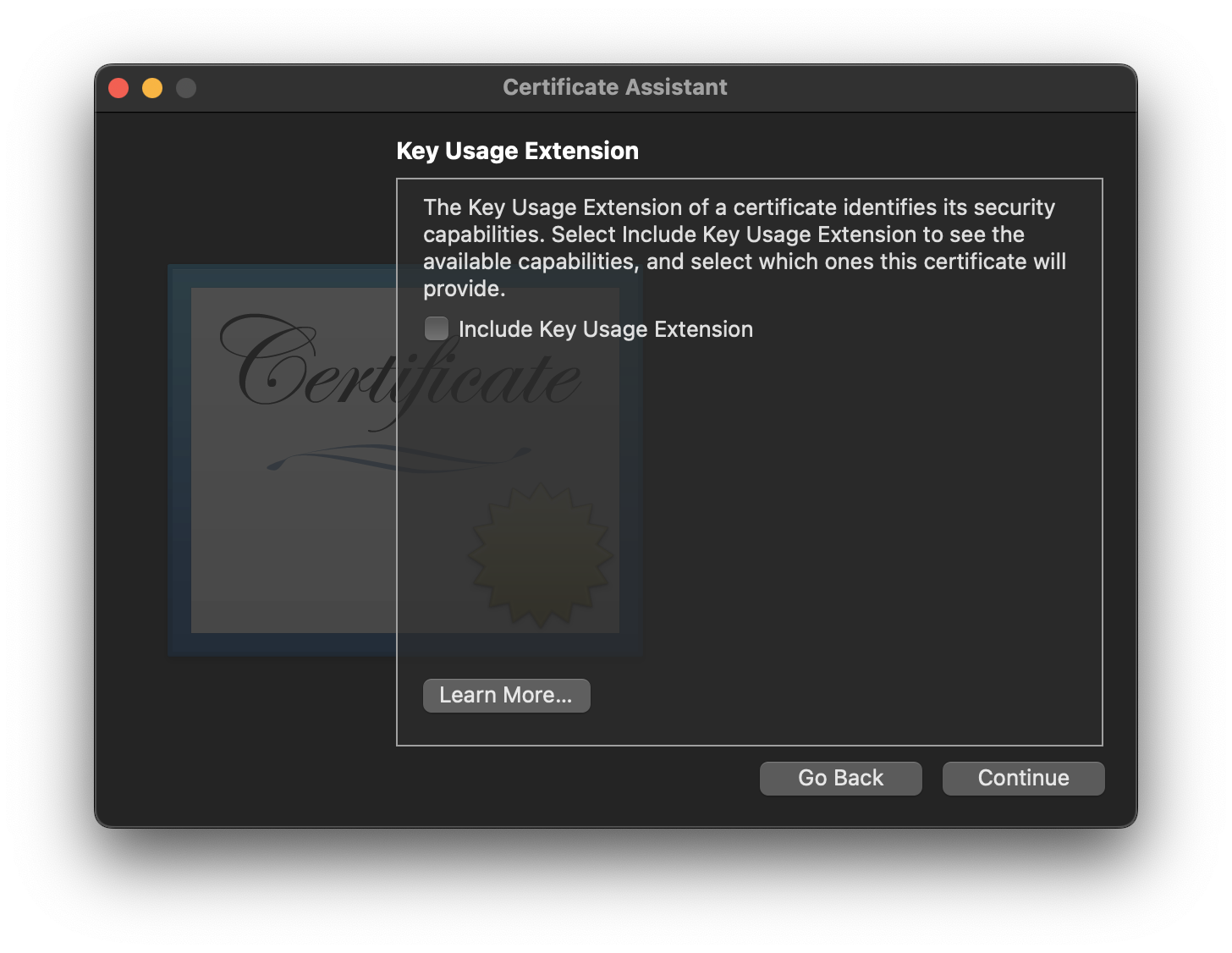
Now we set the extended key usage.

As with the above option you can also just use the default values which is fine for development and testing.
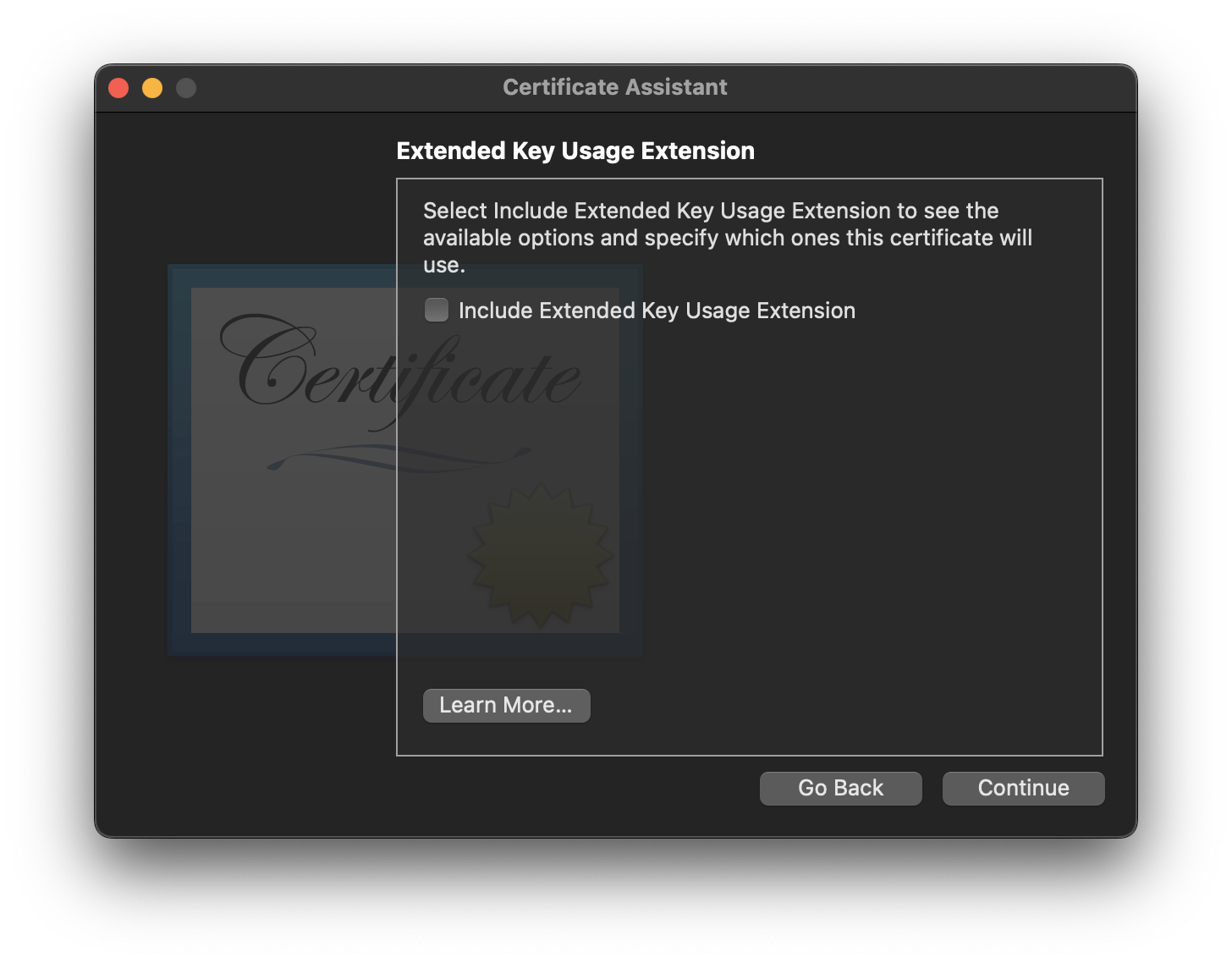
The next part is important. If you want to set up your own SSL or TLS certicate authority you'll need to configure it here.
You might be wondering why you would want to create a certificate authority. The primary reason is so that you can create child certificates and make sure that they were created by your own certificate authority.
For a baisc certifcate which is not a certificate authority you can just leave everything blank.
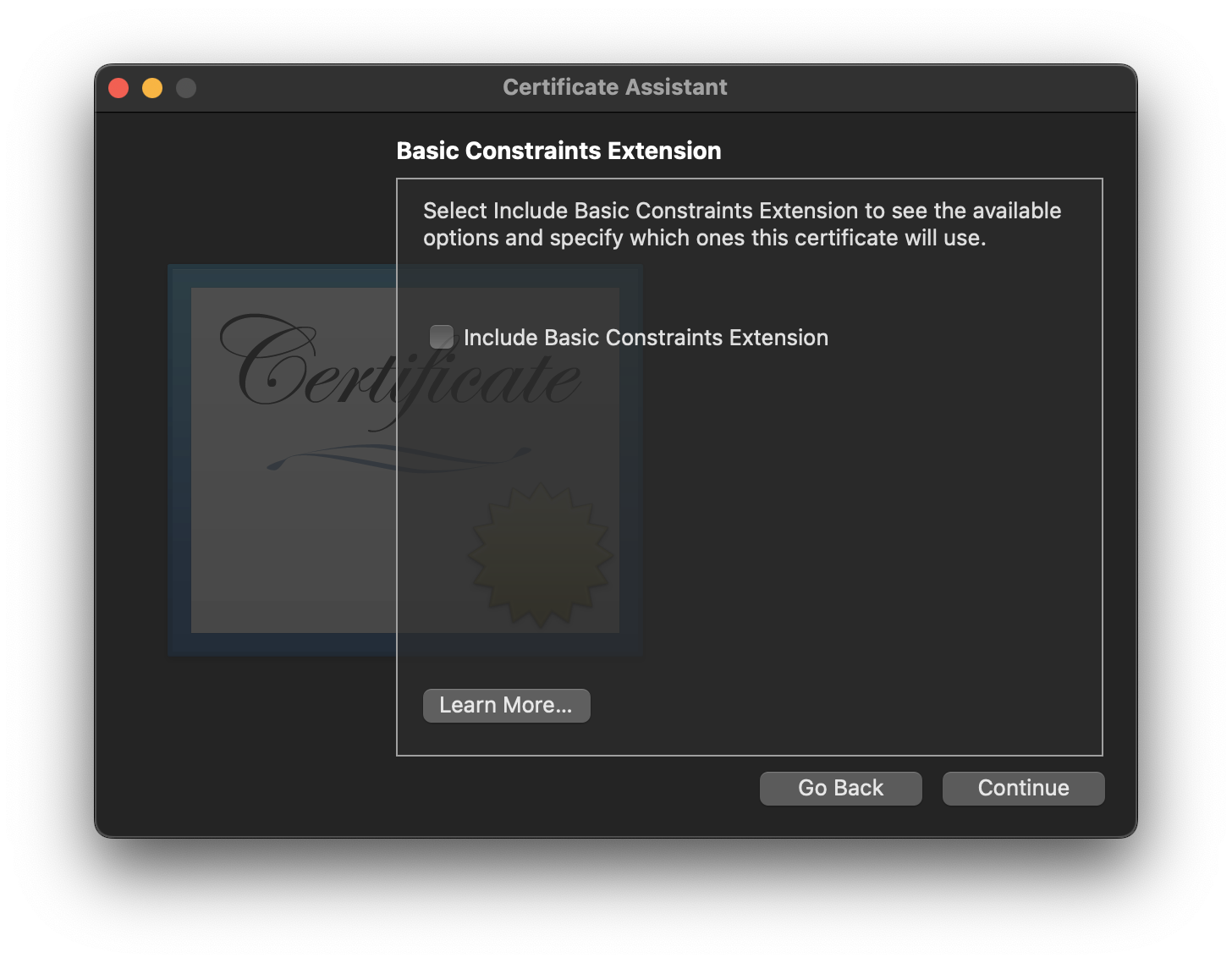
Alternatively you can make your certificate be a certificate authority by selecting the following option.

You can skip the Subject Alternative Name. Just leave it blank. Then select the
login chain and click Create and you have successfully created your SSL
or TLS certificate.